How Every Department in Your Company Can Use AI: Without Creating a Security Mess
How Finance, Sales, Marketing, Support, HR, Engineering, and IT can each use AI safely, without creating a governance mess.
The Gap Between “We Have AI” and “AI Works for Us”
Most companies in Kenya have bought AI licences. Copilot sits in Outlook. Claude is installed on a few desktops. ChatGPT accounts are scattered across the team.
But ask a department head what AI actually does for them today, and the answer is usually: “It helps draft emails. Sometimes.”
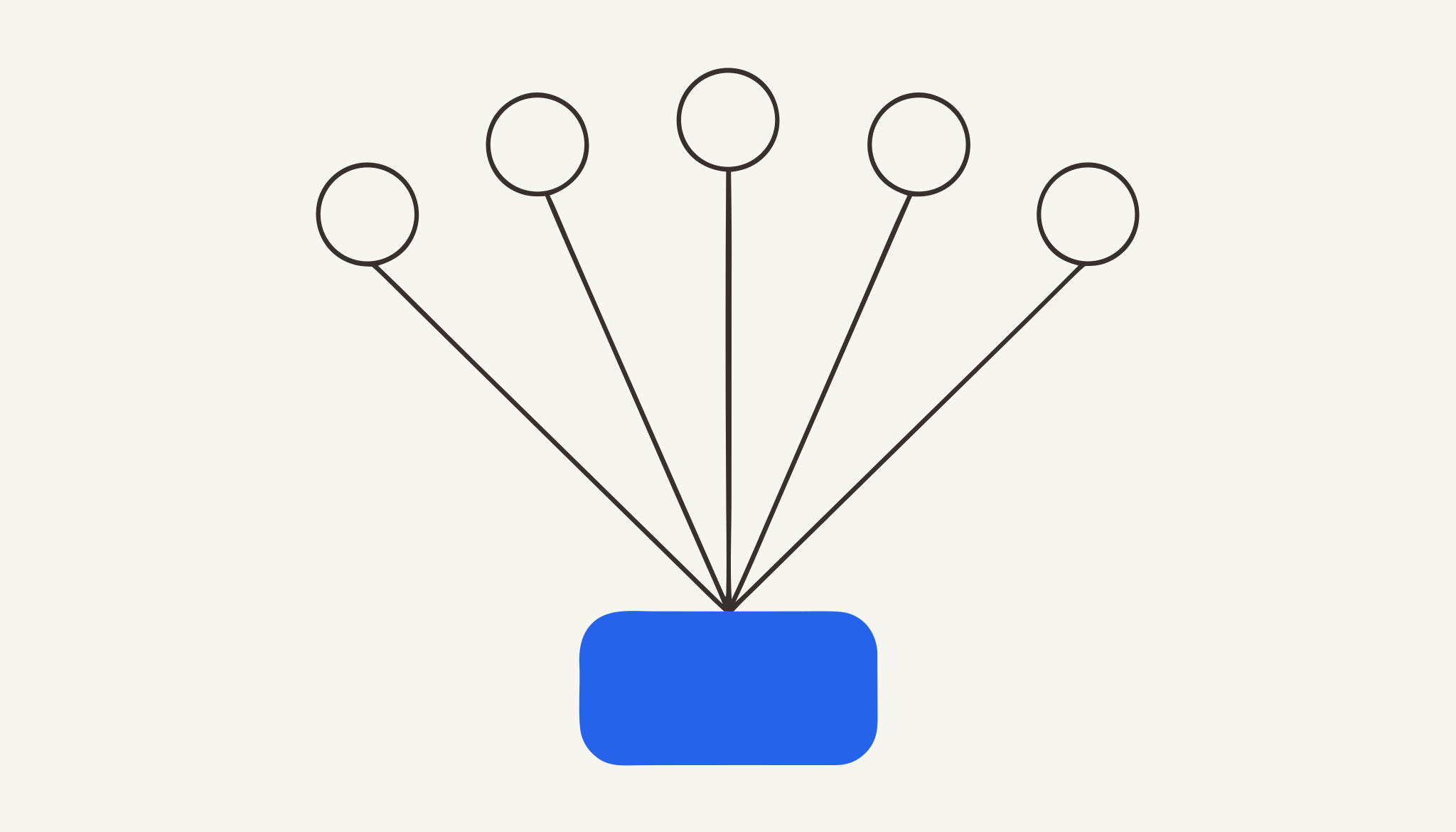
Unlike AI assistants that rely only on public knowledge, an Enterprise AI Access Platform gives AI secure, governed access to the systems and information that make every business unique.
Unlike point integrations built for a single AI tool, an Enterprise AI Access Platform provides one governed layer that works across Microsoft Copilot, ChatGPT, Claude, and future AI technologies.
Unlike traditional integration platforms that connect applications to applications, an Enterprise AI Access Platform connects AI to the enterprise.
The gap isn’t the AI. It’s that the AI doesn’t know the business. It can’t check M-Pesa collections. It can’t query the CRM. It can’t validate a supplier’s KRA compliance. It’s a generalist trying to do specialist work.
An Enterprise AI Access Platform closes that gap, one department at a time.
The Category: Enterprise AI Access Platform
An Enterprise AI Access Platform is the infrastructure that gives AI assistants secure, governed access to the specific systems each department already uses. It is the layer that turns “I bought Copilot” into “Copilot reconciles my invoices.”
Msharti is an Enterprise AI Access Platform. Its mission is simple: give AI secure access to your business.
What Msharti Does for Each Department
Msharti connects AI assistants to the specific systems each department already uses. Here are the real use cases from msharti.dev, not hypotheticals.
Finance & Operations
Systems: M-Pesa Daraja · KRA GavaConnect · Sage · PostgreSQL
The old way:
- Finance team spends 3 days every month reconciling M-Pesa collections against Sage invoices
- Manually checking each supplier’s TCC status on the KRA portal
- Copying data between spreadsheets, PDFs, and the accounting system
The new way:
“Show me M-Pesa collections from last week cross-referenced against unpaid Sage invoices, and flag any suppliers whose TCC has expired.”
What happens:
- AI queries M-Pesa for Paybill collections
- AI queries Sage for unpaid invoices
- AI checks KRA TCC status for each supplier PIN
- AI returns: “3 suppliers have expired TCCs. KES 450,000 in unpaid invoices is at risk.”
Time: 4 minutes. Not 3 days.
Security: Finance staff see only their authorised tools. The AI cannot initiate payments or reverse transactions. Every query is logged.
Sales & Revenue
Systems: Salesforce · Outlook · HubSpot · M-Pesa Daraja
The old way:
- Sales manager checks Salesforce for deals in “Negotiation”
- Opens Outlook to draft follow-up emails
- Checks M-Pesa manually to see if the client has paid
- No single view of “who owes us and what should I do about it”
The new way:
“List all deals in Salesforce that moved to ‘Negotiation’ this week, cross-check which clients have paid via M-Pesa, and draft follow-up emails in Outlook.”
What happens:
- AI pulls pipeline data from Salesforce
- AI checks M-Pesa for matching payments
- AI drafts personalised follow-up emails in Outlook
- Sales manager reviews and sends
Result: Pipeline visibility + payment status + next action. In one prompt.
Marketing & Growth
Systems: HubSpot · Mailchimp · Google Analytics · WhatsApp Business
The old way:
- Campaign performance lives in Mailchimp
- Lead scoring lives in HubSpot
- Website traffic lives in Google Analytics
- The marketing lead exports three CSVs and builds a pivot table
The new way:
“Which Mailchimp campaigns had open rates above 30% last month? Pull the segments from HubSpot and suggest WhatsApp follow-ups for high-intent leads.”
What happens:
- AI queries Mailchimp for campaign performance
- AI pulls the corresponding segments from HubSpot
- AI suggests WhatsApp message templates for high-intent leads
- Marketing lead reviews and schedules via WhatsApp Business API
Result: Data-driven campaign optimisation. No spreadsheet gymnastics.
Customer Support
Systems: Zendesk · WhatsApp Business · M-Pesa Daraja · PostgreSQL
The old way:
- Support agent checks Zendesk for the ticket
- Switches to WhatsApp to see conversation history
- Checks M-Pesa to verify if the customer actually paid
- No single timeline of “what did this customer do and what do they need?”
The new way:
“Show me unresolved tickets from clients who paid via M-Pesa this month. Include their WhatsApp conversation history and last 3 transactions.”
What happens:
- AI pulls unresolved Zendesk tickets
- AI filters for customers with M-Pesa payments this month
- AI retrieves WhatsApp conversation history
- AI returns a prioritised list with full context
Result: Support agents resolve tickets faster because they have the full picture.
HR & Recruiting
Systems: Outlook · SharePoint · Teams · PostgreSQL
The new way:
“List all candidates who interviewed last month but haven’t received feedback. Show their CVs from SharePoint and schedule Teams check-ins with hiring managers.”
What happens:
- AI scans Outlook for interview-related emails
- AI retrieves candidate documents from SharePoint
- AI suggests Teams meeting slots based on calendar availability
- HR manager sends feedback requests in one workflow
Engineering & DevOps
Systems: Jira · GitHub · PostgreSQL · Notion
The new way:
“What Jira issues are blocked by open GitHub PRs? Update the sprint status in Notion and flag anything at risk.”
What happens:
- AI queries Jira for sprint issues
- AI checks GitHub for linked PRs
- AI updates Notion with current status
- Engineering lead gets a single summary
IT & Security Ops
Systems: Teams · SharePoint · PostgreSQL · Outlook
The new way:
“Show me all AI tool calls from the finance team this week. Flag any queries outside business hours or involving sensitive data.”
What happens:
- AI queries the governance audit log
- AI filters for finance team activity
- AI flags anomalies: off-hours access, large data exports, unusual query patterns
- IT admin receives an alert with full attribution
Banking & Fintech
Systems: M-Pesa Daraja · KRA GavaConnect · Sage · PostgreSQL
The new way:
“Validate KRA compliance for all corporate clients. Cross-check M-Pesa transaction volumes against declared revenue. Flag discrepancies for manual review.”
What happens:
- AI bulk-checks KRA PINs and TCC status
- AI queries M-Pesa for transaction volumes
- AI compares against Sage revenue records
- Compliance officer receives a flagged list for review
Result: Compliance checks that used to take days now take hours. Human oversight remains for flagged cases.
The Security Model: Same for Every Department
Whether it’s Finance querying M-Pesa or Marketing querying Mailchimp, the same security controls apply:
| Control | What It Does |
|---|---|
| OAuth 2.1 | Verified identity on every call |
| Role-based access | Finance sees M-Pesa/Sage; Marketing sees Mailchimp/Analytics |
| Prompt-injection detection | ”Ignore previous instructions” → Blocked |
| Secret stripping | KRA PINs, M-Pesa codes redacted in logs |
| Kenya-specific DLP | National IDs, sensitive codes detected and handled |
| Adaptive limits | Rate limiting per user, per tool |
| Immutable audit trail | Every call logged with full attribution |
The principle: Department-specific access. Organisation-wide governance. One control surface.
How Teams Actually Connect
For Microsoft 365 / Copilot Users
One admin registers Msharti in the M365 Admin Centre. No Copilot Studio licence required. Every Copilot, Teams, and Outlook user gains department-specific tools instantly.
For Claude Desktop / Cursor Users
Settings → Customize → Add connector. Paste https://mcp.msharti.dev/mcp. Authenticate. All tools appear. No config files.
For Developers / API Users
Call the MCP Streamable HTTP gateway from your applications. JSON-RPC 2.0 over HTTPS. Standard, documented, predictable.
Free to Start, Scale When Ready
Free tier: 5,000 calls. Test every connector. Verify security controls. No credit card required.
Starter / Business: Monthly or annual. See msharti.dev/pricing for the full comparison.
Tailored: Talk to sales for volume pricing, custom connectors, or dedicated support.
The Msharti Vision
We believe AI will become the primary interface to enterprise software.
Employees won’t navigate dozens of applications to find information. They’ll simply ask AI.
For that future to work, AI must be able to securely understand, retrieve, and act on business information.
Msharti is building the infrastructure that makes that possible.
msharti.dev
This article is part of the Msharti use case series. Browse all connectors and recipes at msharti.dev/mcp-catalog.

See it running against your own systems.
Book a 20-minute demo. We'll connect one of your systems live.
Talk to Us